
Book the job on the spot, in the spot that fits.
See your crews' real openings and book the job on the spot. Customers can self-schedule from their quote, too. CrewCal reads your calendar and suggests the times that fit each crew's skills, shifts, and drive time.
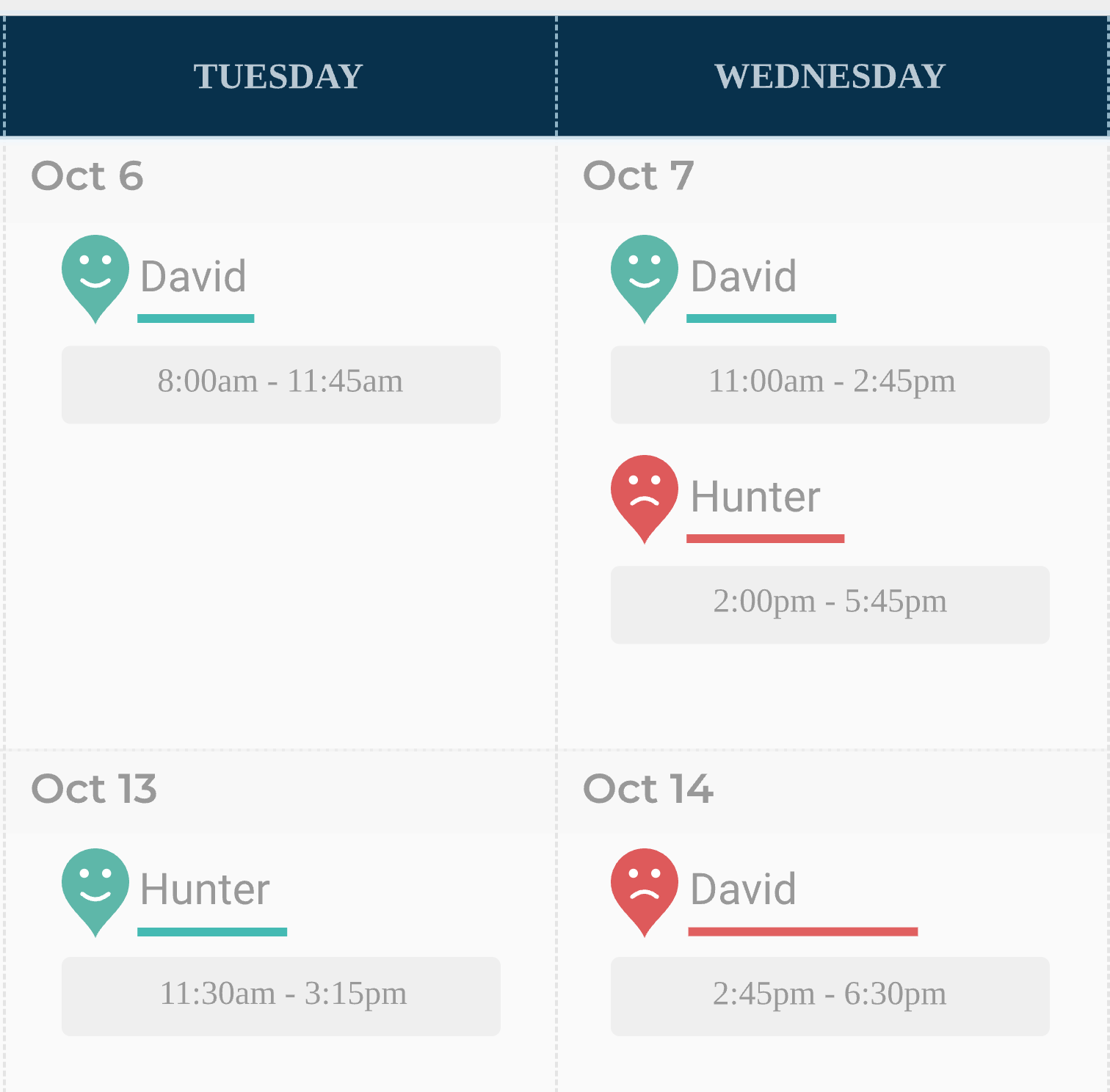
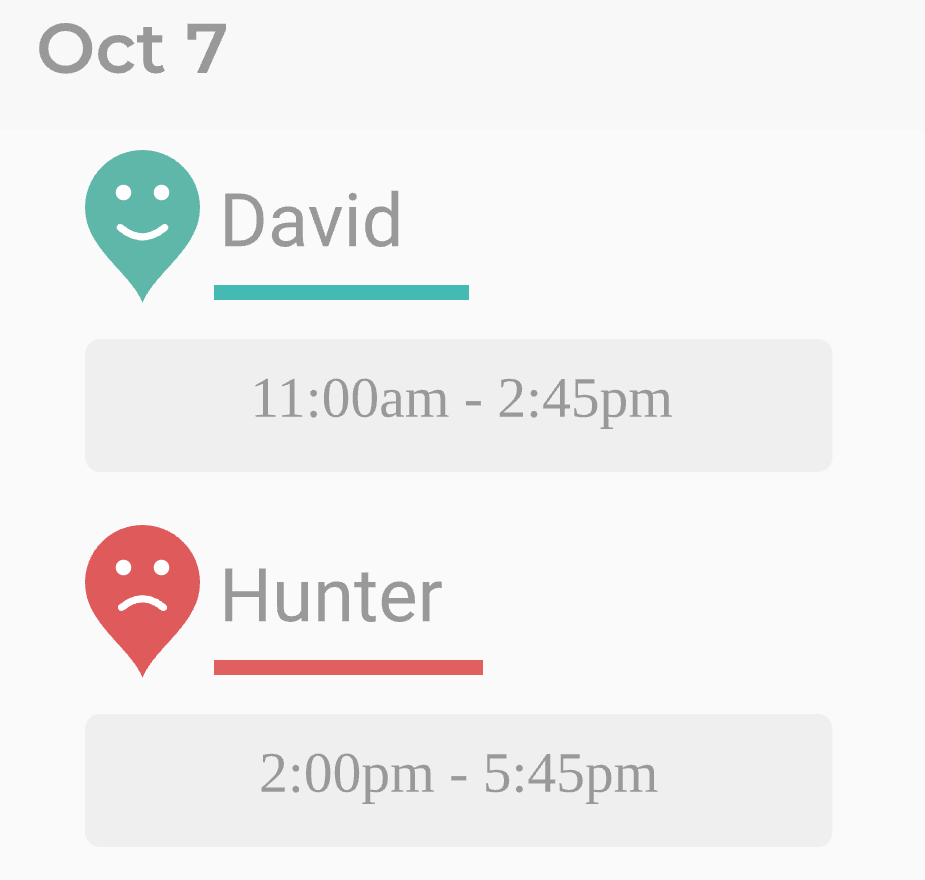
Only the crews that can do it.
Teach CrewCal which services each crew does, how fast they work, their shifts, and where they start the day. It only suggests crews that can do the job, for the time the job takes.
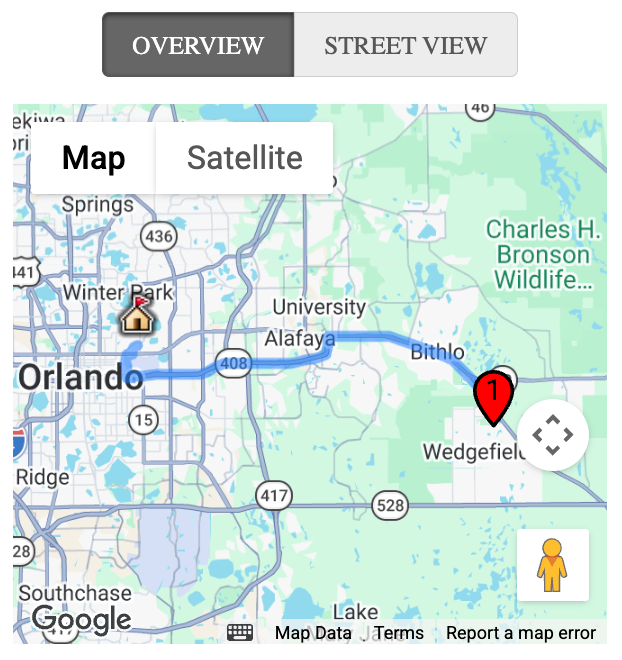
Less time behind the wheel.
Set the drive time you'll accept between jobs, and CrewCal suggests times that keep each crew's route tight. Customers who live farther out can book the first job of the day.
"It's one of the most necessary tools to automate your quoting and booking process. Oh yeah make sure to include the smart scheduling tool, it saves a TON of drive time!"
Customers book from their quote.
After they sign, customers pick a day and time right from their proposal. They only see times that fit your crews, and you decide how soon they can book.
See how proposals work →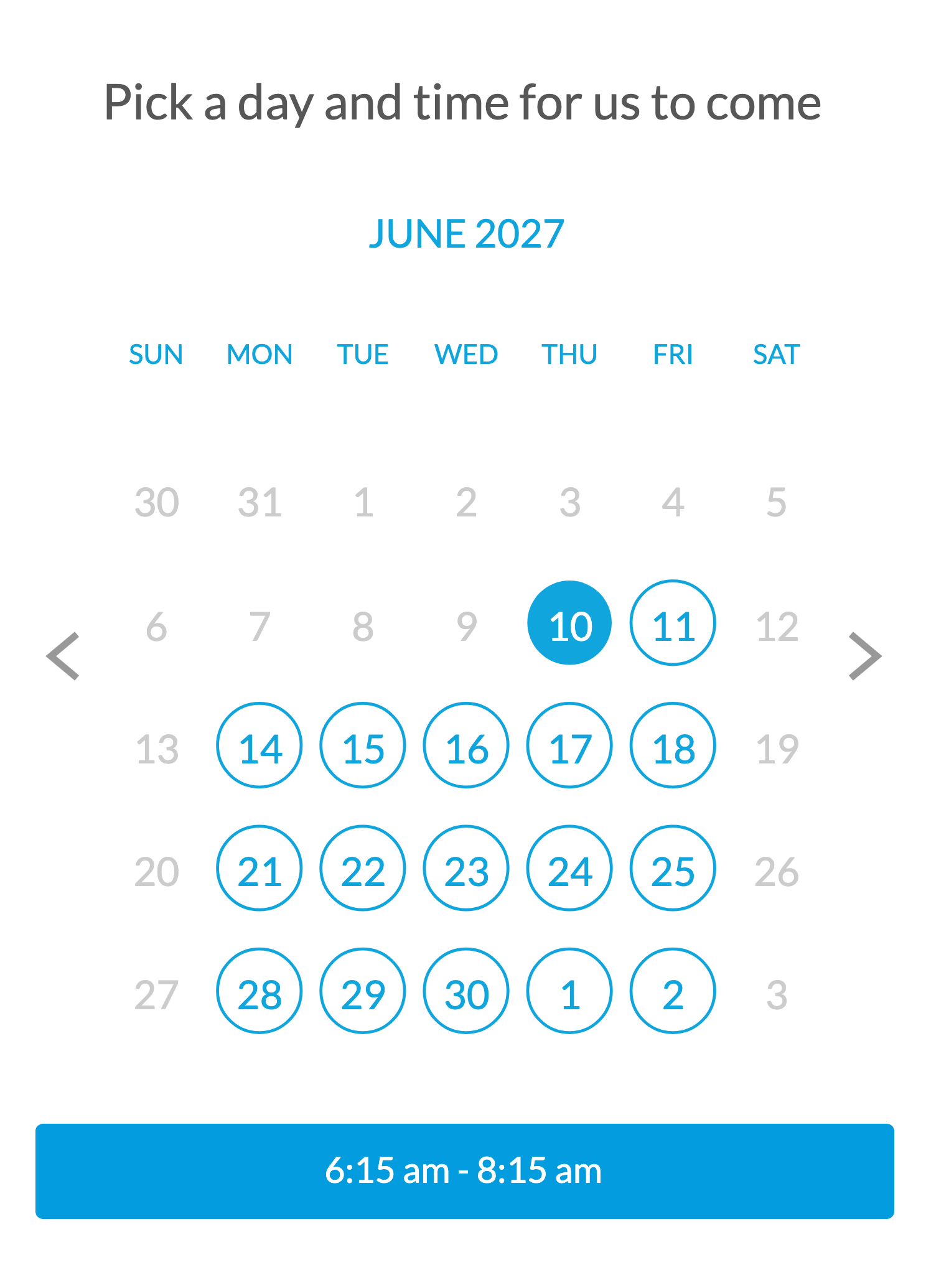
Works with the calendar you use.
CrewCal reads the calendar you already schedule in, like Google Calendar or Jobber, and each booking goes right back to it.
See integrations →See every option.
When you book from the office, you see all of CrewCal's suggestions, not just one, so the final call is yours.
Your rules.
Set shifts and lead times, and block off days. Put time off on your calendar, and CrewCal works around it.
Features vary by plan. See plans →